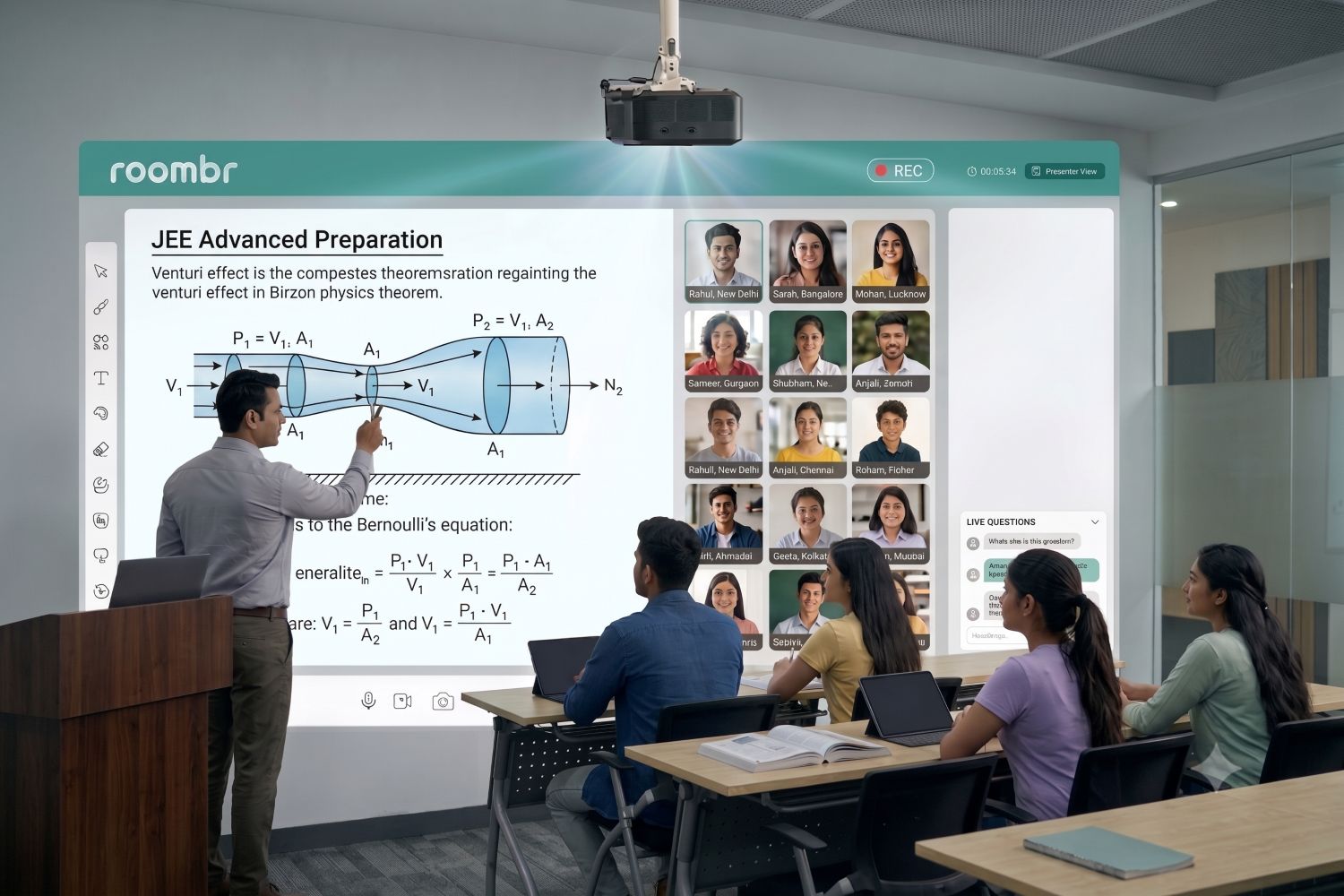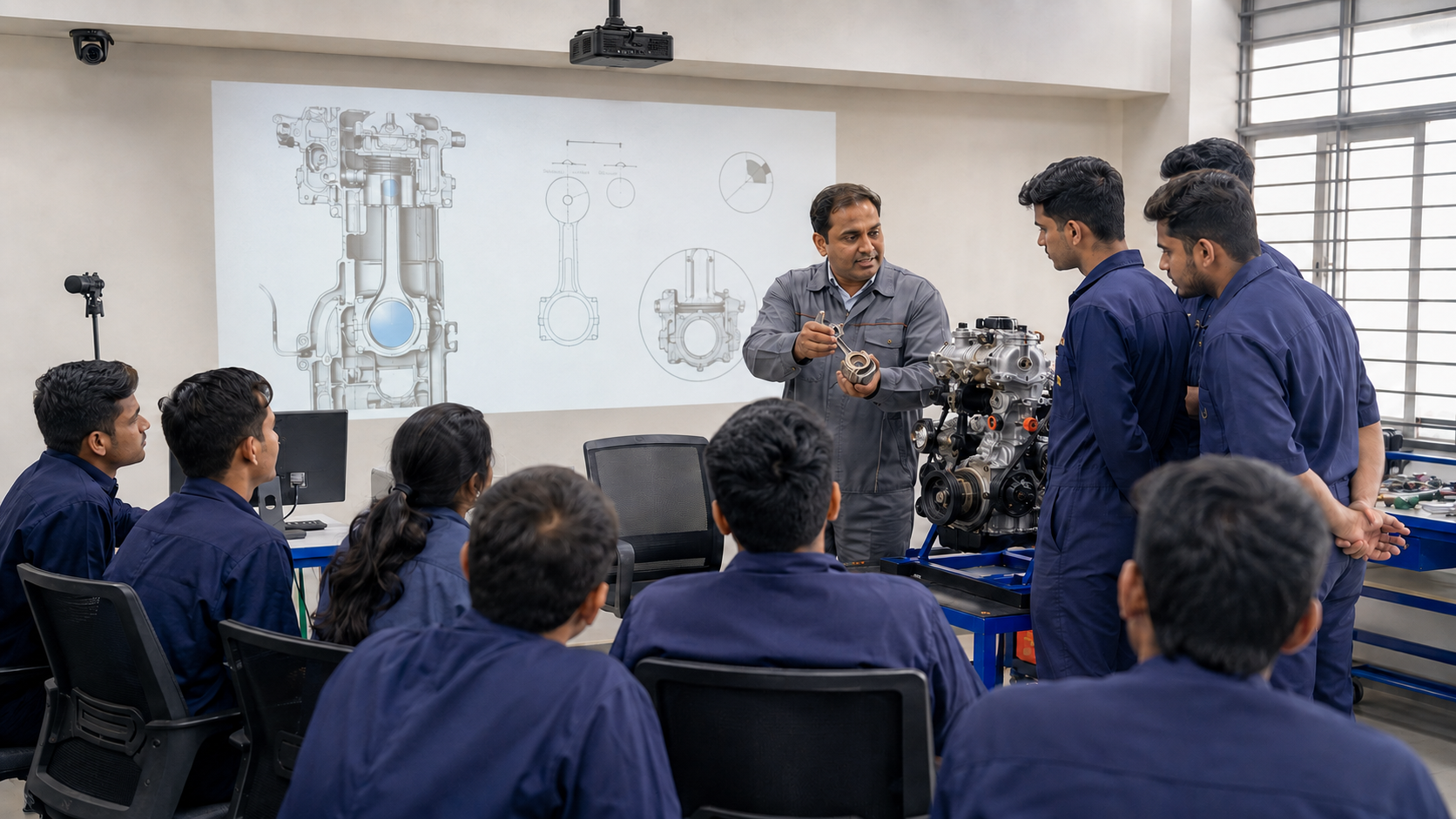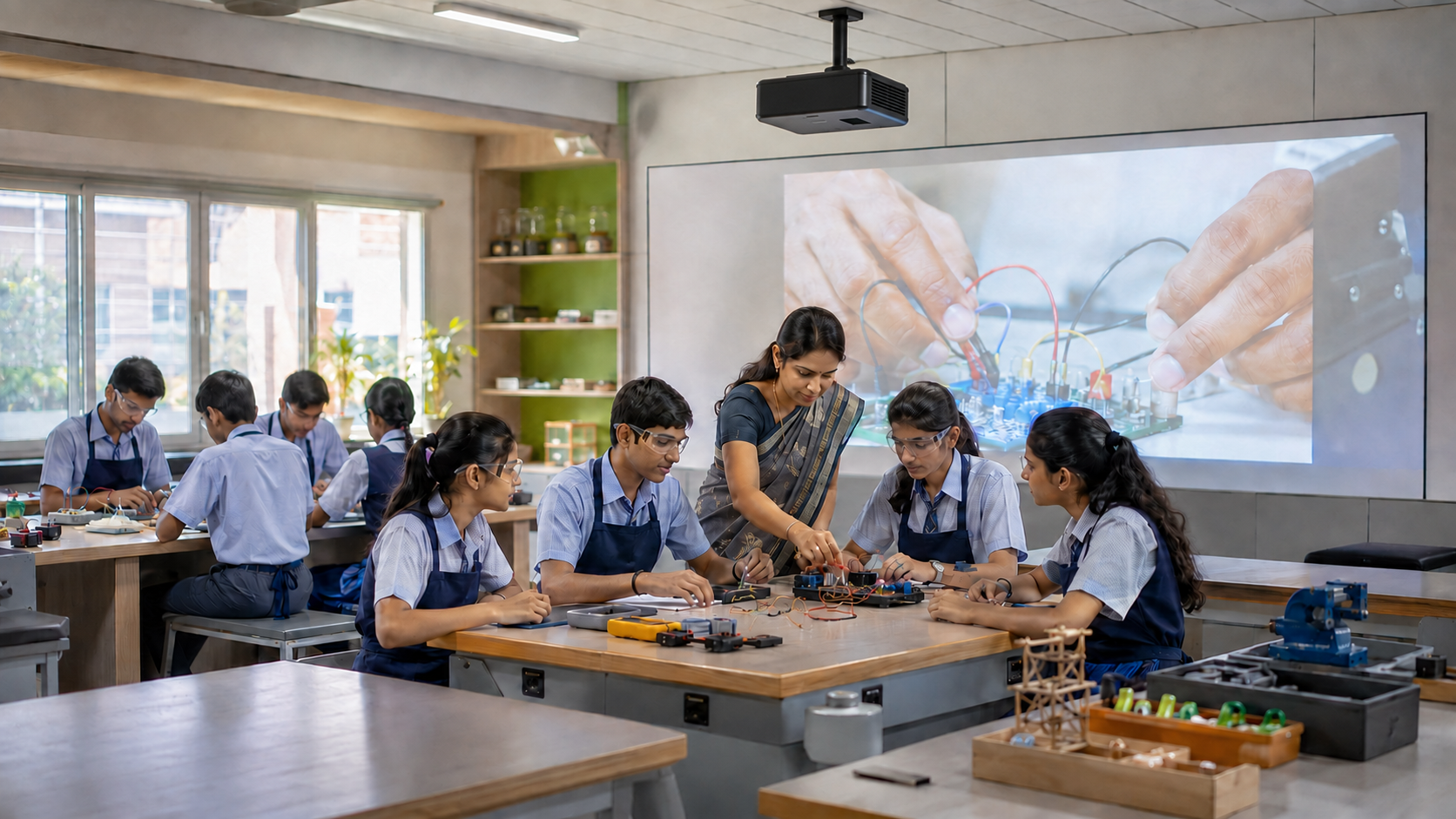

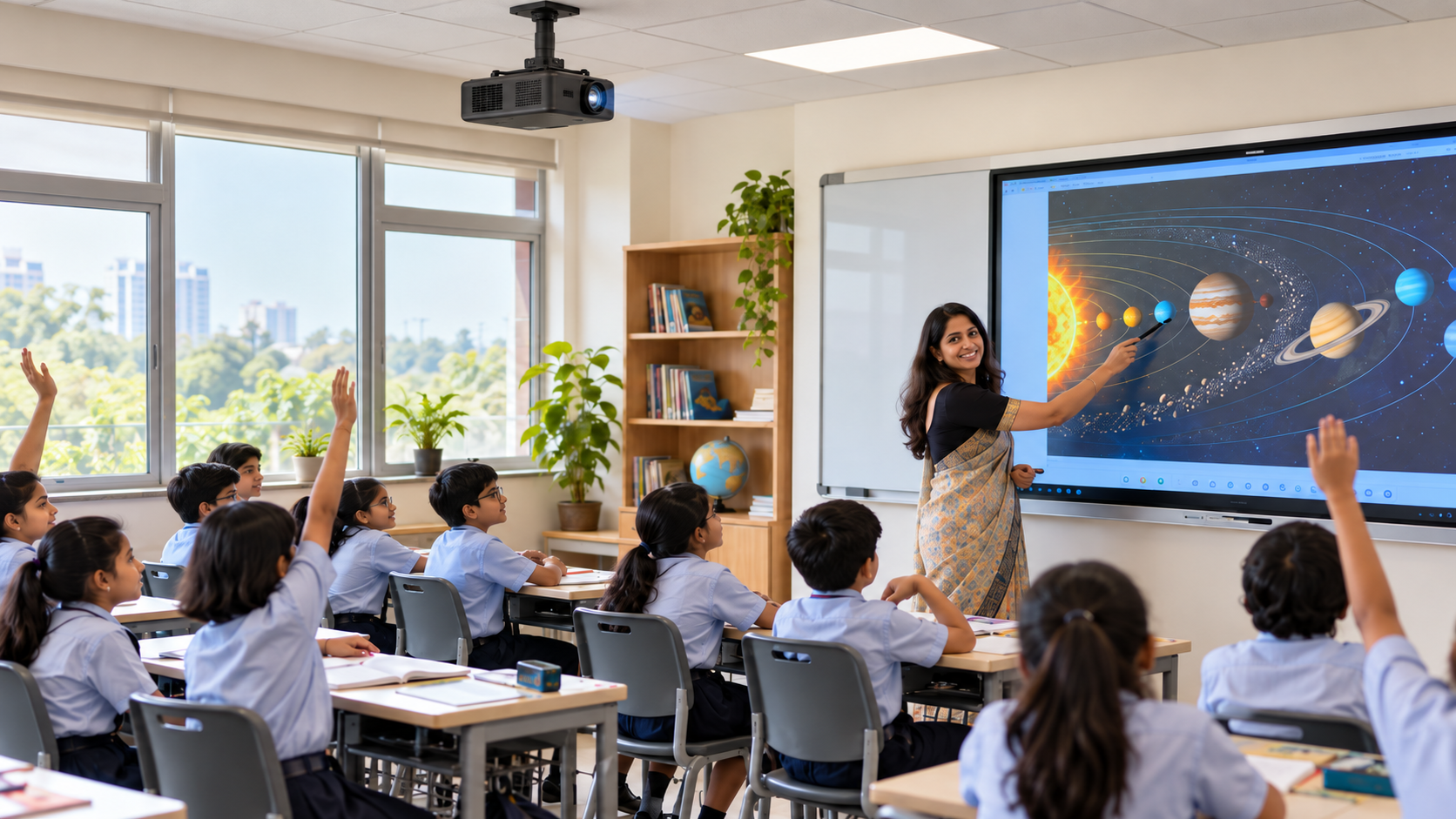
A school may decide it needs a “smart classroom” when the real goal is more specific. Teachers may want to explain concepts visually, use digital content, involve students during lessons, and move between resources without disrupting class.
This is where "smart classroom" and "interactive classroom" can become confusing. The terms are often used together, but they do not describe the same thing.
For school leaders, IT teams, academic coordinators, and procurement committees planning a classroom upgrade, the distinction matters. Buying classroom technology does not automatically make teaching interactive. The better question is what teachers and students will actually be able to do with the setup once it is installed.
What Is a Smart Classroom?
A smart classroom uses digital technology to support teaching inside the physical classroom. The exact setup can vary depending on the institution, room, and teaching requirements.
It may combine a digital teaching surface, computing, multimedia, audio, connectivity, teaching software, and other classroom technology.
For a deeper explanation of the concept, see Roombr’s guide to what is a smart classroom.
For this comparison, the key point is that a smart classroom describes the technology-enabled environment. It does not automatically tell you how teachers will use that environment during a lesson.
What Makes a Classroom Interactive?
An interactive classroom is defined more by what happens during teaching than by the number of devices installed.
Interaction may involve a teacher:
- Annotating or changing lesson content while explaining it
- Asking students to respond to what is being shown
- Moving between diagrams, presentations, videos, or other learning resources
- Using digital content during discussion or problem-solving
- Involving students in an activity rather than only presenting information
Technology can support these activities, but more technology does not automatically create more interaction.
UNESCO’s 2023 Global Education Monitoring Report notes that digital technology can support interaction and collaboration. It also stresses that outcomes depend on factors such as teaching practice, access, support, and the way technology is used rather than on the presence of technology alone.
This distinction is important for schools evaluating interactive learning. The goal should not be to add devices simply because they are digital. The classroom setup should support the type of teaching and participation the institution wants.
Interactive Classroom vs Smart Classroom: Key Differences
The simplest way to compare the two is to separate the classroom infrastructure from the teaching experience.
The two concepts are not opposites.
A school can build a smart classroom that also supports highly interactive teaching. Problems arise when institutions evaluate the hardware thoroughly but never test whether teachers can use the complete setup comfortably during a normal lesson.
Can a Smart Classroom Still Be Non-Interactive?
Yes.
Imagine a classroom with modern digital equipment. The teacher opens a presentation, displays the slides, speaks for the entire period, and closes the file when the lesson ends.
The classroom is technology-enabled. But the teaching experience may still be largely one-way.
Now consider another lesson.
The teacher displays a concept, annotates part of it, asks students to respond, changes the explanation based on their answers, opens a visual resource, and then returns to the original material to continue the discussion.
In the second example, technology supports an interactive teaching process rather than simply presenting information.
The presence of classroom technology tells you about the infrastructure. How teachers and students use that infrastructure determines the level of interaction.
This is why schools should evaluate teaching workflows instead of assuming that a long feature list will automatically create an interactive classroom.
What Technology Can Support an Interactive Classroom?
Schools do not need to count devices to decide whether a classroom can support interactive teaching. It is more useful to evaluate the capabilities teachers need.
1. A Clear Teaching Surface
Students across the room should be able to see the content used during a lesson.
The right approach depends on factors such as room size, seating arrangement, lighting conditions, teaching requirements, and the classroom system being evaluated.
2. Interactive Annotation and Content Control
Teachers may need to write, highlight, draw, or annotate lesson material while explaining a concept.
These actions should fit naturally into teaching rather than require teachers to repeatedly stop, switch devices, or change their normal lesson flow.
3. Computing and Multimedia Access
An interactive lesson may involve presentations, documents, images, videos, web resources, or subject-specific applications.
Schools should therefore test the files and applications their teachers use instead of relying only on vendor-prepared demonstration content.
4. Classroom Audio and Connectivity
Clear audio and suitable connectivity can support multimedia, hybrid teaching, and other classroom workflows.
The exact requirements differ between institutions. IT and academic teams should identify the connections, resources, and lesson activities that are essential before selecting a classroom solution.
The better buying question is not:
How many devices does this classroom have?
It is:
What teaching tasks can the complete classroom system perform reliably?
Smart or Interactive: What Should Schools Prioritize?
Schools generally do not need to choose between “smart” and “interactive.”
A more useful approach is to define the teaching experience first and then evaluate whether the proposed technology can support it.
Not every institution needs every capability.
A school that mainly wants smoother digital lesson delivery may have different requirements from a college planning hybrid classes or a training institute using multimedia throughout the day.
The evaluation should begin with teaching needs, not with the longest product specification sheet.
How Should Schools Test a Smart Classroom for Interactive Teaching?
A feature list is useful when shortlisting classroom systems. It should not be the final test.
Ask a teacher, not only the vendor representative, to run a short lesson using the proposed setup.
During the test, ask the teacher to:
- Start the system and open a normal lesson.
- Use the files or applications they regularly teach with.
- Explain a concept and annotate the content.
- Switch between two or three lesson resources.
- Involve students in one normal classroom activity.
- Play any multimedia required for the lesson.
- Complete the lesson without constant vendor assistance.
For each step, record:
Easy | Requires Extra Steps | Not Supported
This simple exercise can reveal issues that may not appear in a specifications table.
A feature list shows what individual capabilities are available. A teacher-run workflow test shows whether those capabilities work together during a real lesson.
OECD research based on PISA 2022 also shows that the way digital resources are used varies across students, teachers, and schools. This reinforces an important procurement point: access to technology and effective classroom use are not the same thing.
Schools should therefore consider teacher usability, lesson flow, training requirements, and practical day-to-day use alongside technical specifications.
For a more detailed product and vendor evaluation, use Roombr’s smart classroom demo checklist.
From Smart Classroom Technology to an Interactive Teaching System
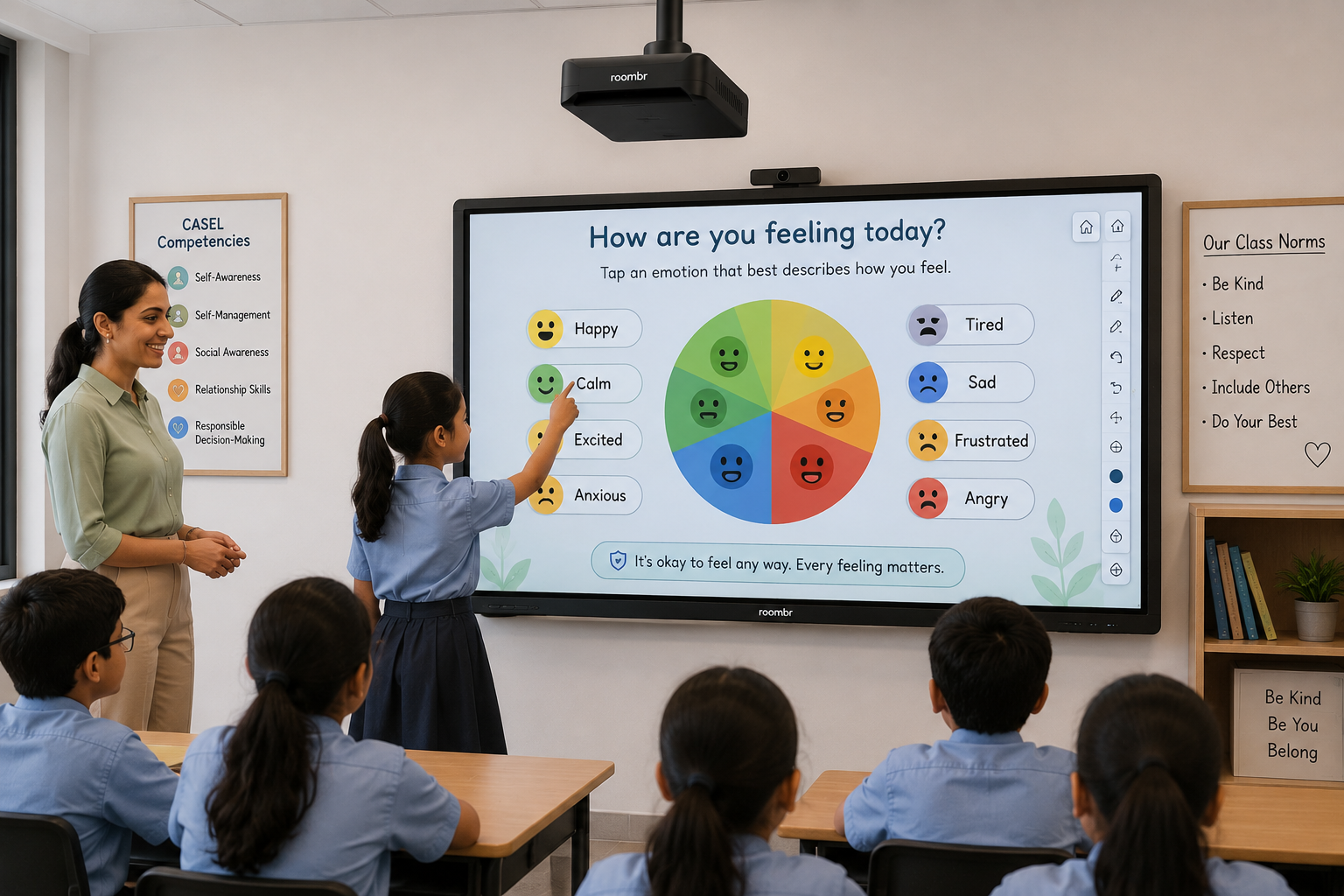
When schools evaluate smart classroom solutions, individual specifications still matter. But the complete teaching workflow matters just as much.
Roombr Digital Classroom takes an integrated approach to classroom technology. The solution combines classroom hardware and software within a unified system designed for digital teaching and interactive classroom use.
Instead of evaluating the solution only through a prepared presentation, schools or colleges considering Roombr should apply the same test described above.
Bring a teacher. Use a real classroom. Open normal teaching files. Try annotation, multimedia, resource switching, and any other activities the institution relies on during a lesson.
Schools should also confirm the required configuration, infrastructure, and teaching needs with the Roombr team during the demonstration or site-planning discussion.
The objective is not simply to find technology that looks impressive during a demo. It is to determine whether the complete classroom setup fits how teachers are expected to teach.
Conclusion
The practical decision is not whether a school should choose a “smart” classroom or an “interactive” one.
The more useful question is whether the classroom technology supports the teaching experience the institution wants to create.
Define the workflow first. Then evaluate whether the proposed system makes everyday teaching, content access, interaction, and resource switching simple enough for teachers to use consistently.
Frequently Asked Questions
1. Does an interactive classroom always require digital technology?
No. Teachers can create interactive lessons without advanced classroom technology. Digital tools can expand the ways teachers present information, annotate content, use multimedia, and involve students, but interaction ultimately depends on how the lesson is designed and delivered.
2. Can smart classroom technology support both teacher-led and interactive lessons?
Yes, depending on the system and how it is used. A teacher may use the same classroom setup for direct explanation, multimedia presentation, annotation, discussion, or interactive activities. Institutions should test the specific workflows they expect teachers to use before making a purchase decision.
3. What should schools check before choosing an interactive classroom setup?
Schools should check whether the setup supports their normal teaching workflow, including opening lesson files, annotating content, switching between resources, using multimedia, and involving students. A teacher-run demo can help confirm whether the classroom technology is practical for everyday use.
Test Your Teaching Workflow with Roombr
Roombr provides a customizable, scalable, and holistic digital classroom solution that combines integrated hardware and software within one classroom system.
Bring your normal lesson files and teaching requirements to a Roombr Digital Classroom demo and test the workflow your teachers use every day. Evaluate how the setup supports lesson resources, annotation, multimedia, interaction, connectivity, and other classroom needs relevant to your institution.
Because Roombr brings key classroom technologies together within one integrated solution, schools can evaluate the complete teaching experience rather than separate devices in isolation.
Explore Roombr and see how the solution can support your institution’s digital teaching requirements.

Foziya Abuwala
Share
Step Into the future of
Education with Roombr