
A school or a college choosing an interactive display for classroom use has more to decide than screen size and features. Where the display sits can affect classroom movement, visibility, teacher access, cable planning, and future use.
A conventional interactive flat panel may be fixed to a wall or used with a compatible mobile stand. But before choosing between those two options, schools should ask a broader question:
Does the classroom need a conventional flat panel at all?
The best choice comes down to how the classroom will be used in day-to-day teaching.
Mobile Stand vs Wall Mount: What Is the Difference?
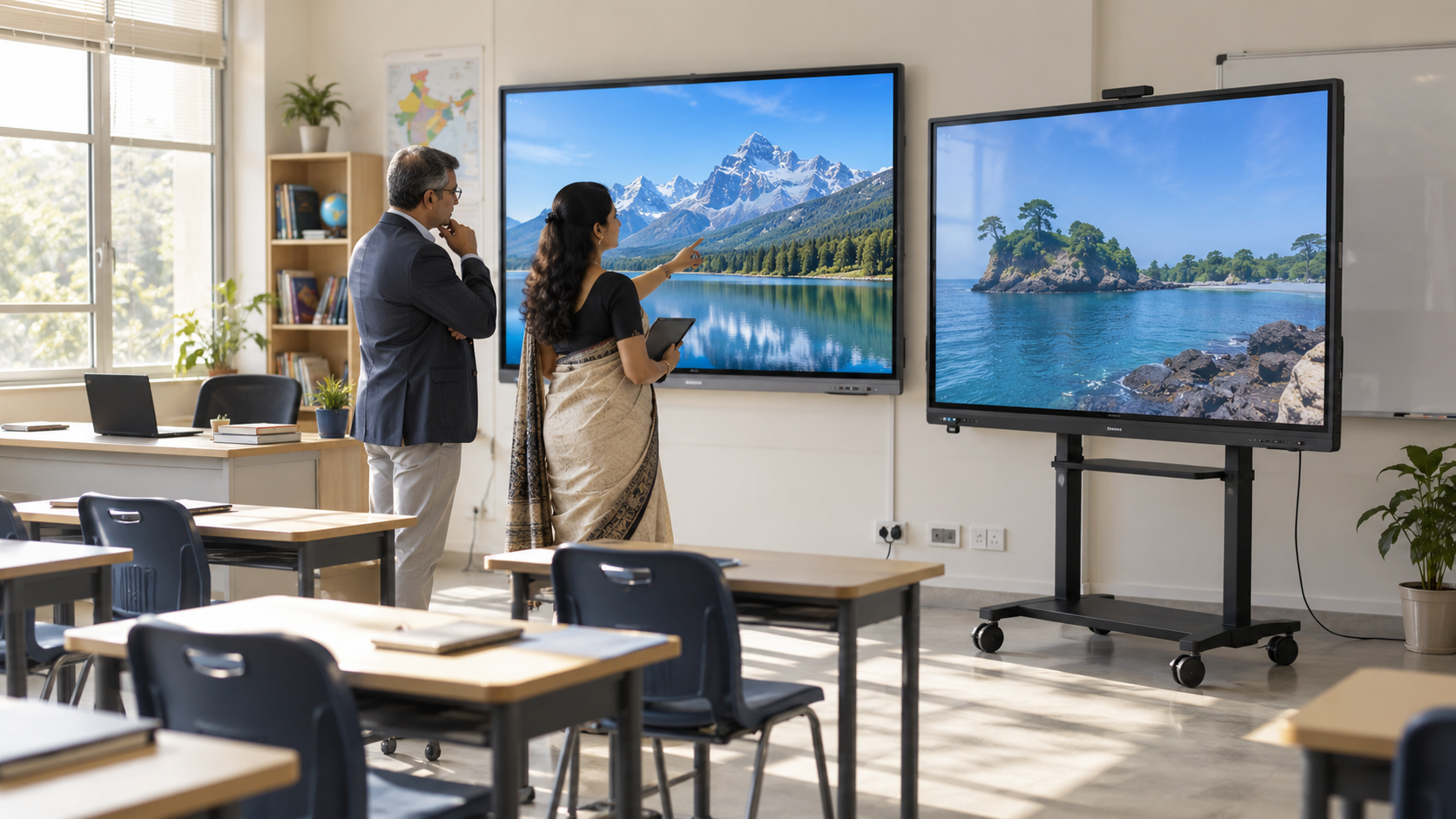
The main difference is simple: a mobile setup can be repositioned, while a wall-mounted interactive panel stays in a fixed location.
The practical differences go further.
Actual mounting and mobility requirements vary by equipment. Schools should confirm compatibility and installation requirements with the vendor before procurement.
When Does a Mobile Interactive Display Setup Make Sense?
A mobile setup may be worth evaluating when one display needs to serve more than one suitable teaching space.
For example, a school may want to move equipment between a language room, activity room, or training space instead of installing separate displays immediately.
Mobility can also help in multipurpose classrooms where the front-of-class layout changes.
But having wheels does not automatically make a setup practical.
Check the Full Movement Route
Before choosing a mobile configuration, walk the actual route the equipment would take.
Check:
- Classroom doors
- Corridors and tight turns
- Thresholds and ramps
- Lift access where required
- Floor surfaces
- Busy student movement areas
- Storage or parking space
A mobile classroom system is only useful if the complete setup can move safely through the spaces where the school intends to use it.
When Does Wall Mounting Make More Sense?
A wall-mounted conventional interactive panel may fit a classroom where the display will remain in one permanent position.
It can also keep more usable floor area clear because there is no mobile stand occupying the teaching zone.
Before approving installation, the school should involve the appropriate vendor or facilities team to review:
- The proposed wall and display position
- Teacher and student access
- Power availability
- Cable routing
- Visibility from different seats
- Access for future servicing
Avoid choosing the mounting position from a floor plan alone. Where possible, test the teaching workflow in the actual room.
7 Questions Schools Should Answer Before Choosing Either Setup
1. Will the Display Stay in One Classroom?
If one interactive display for classroom use will remain in the same teaching space for years, a permanent setup may be logical.
If several rooms need access to the same equipment, mobility becomes more relevant.
2. Does the Equipment Really Need to Move?
Ask how often the equipment will move, who will move it, between which rooms, and where it will stay when not in use.
This helps distinguish genuine mobility requirements from flexibility that may rarely be used.
3. Is There Enough Usable Floor Space?
A mobile stand needs a physical footprint.
In a compact classroom, check how it affects:
- Teacher movement
- Student movement
- Front-row seating
- Furniture placement
- Access to doors and other equipment
4. Can Every Student See the Teaching Surface Clearly?
Review visibility from the back and sides of the room using real lesson content, including small text, diagrams, equations, and split-screen material.
Display size is another part of this decision. Roombr's interactive display size guide explains how room dimensions, teaching content, and viewing distance can influence the choice.
5. Can Teachers and Students Reach the Interactive Area?
An interactive surface should be practical to use, not just easy to see.
Ask teachers to test common actions such as writing, erasing, selecting tools, and reaching frequently used controls.
Avoid assuming one installation height or position will suit every user group.
6. Where Will Power and Cables Go?
Review power access, connected devices, cable routes, and any equipment teachers will use during normal lessons.
For a mobile setup, also consider what needs to be disconnected and reconnected when the equipment changes rooms.
7. Could the Classroom Change Later?
Before standardizing one approach across several rooms, consider:
- Future seating changes
- Room repurposing
- New teaching modes
- Additional classrooms
- Expansion plans
That leads to a broader question than simply choosing a mount.
Do You Actually Need a Conventional Interactive Flat Panel?
Schools evaluating interactive displays for schools are not limited to choosing between a flat panel on a wall and the same type of panel on a stand.
The display architecture itself can be part of the decision.
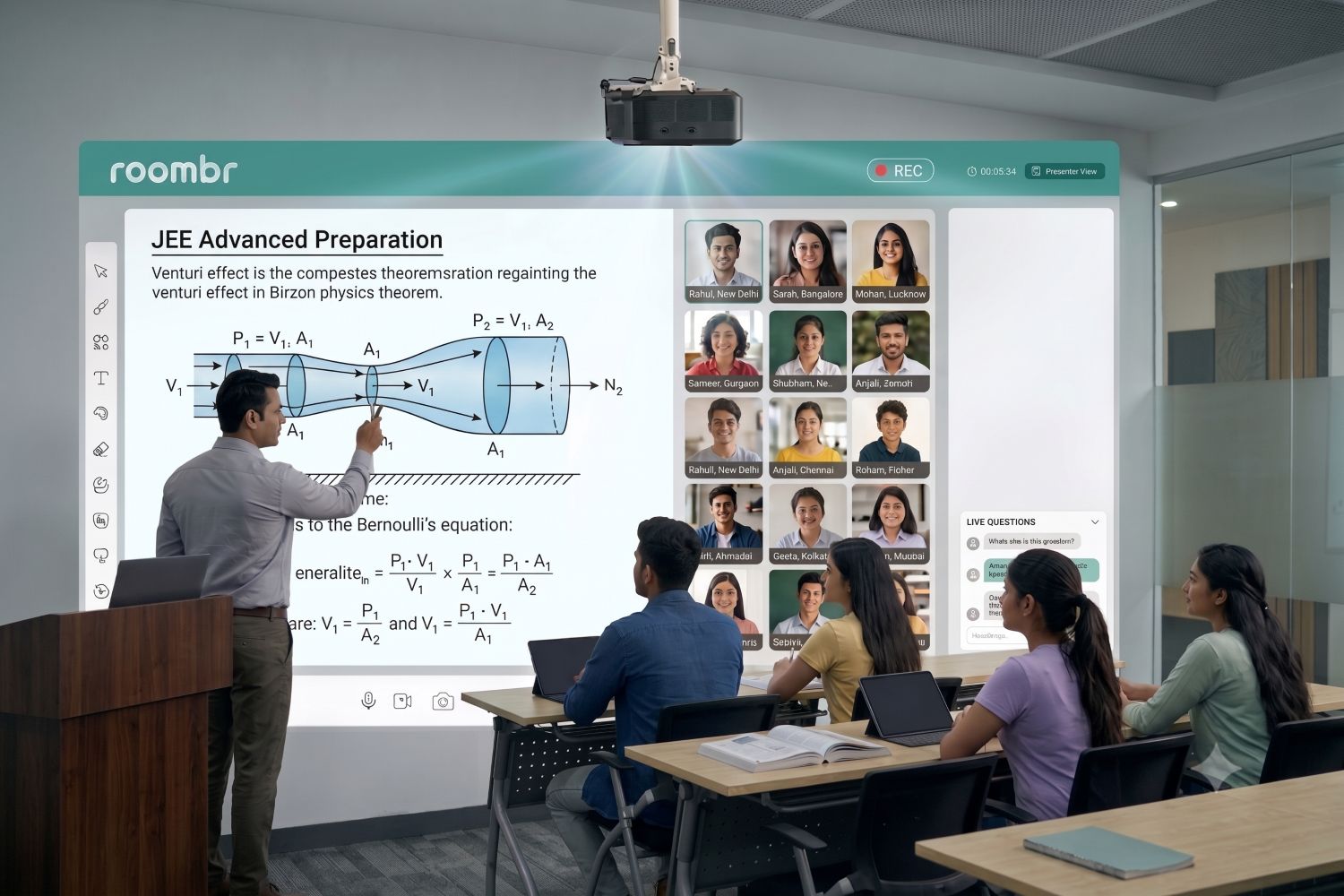
A conventional interactive flat panel provides a fixed-size touch display. An alternative approach can use projection and integrated classroom technology to turn a suitable wall into an interactive teaching surface.
Before deciding, compare the complete setup across factors such as:
- Available teaching-surface size
- Classroom layout
- Computing requirements
- Audio and video requirements
- Floor-space use
- Installation
- Teacher workflow
- Future expansion
This prevents the procurement team from optimizing one small part of the system before deciding which overall classroom architecture fits the institution.
How Roombr Approaches the Classroom Differently
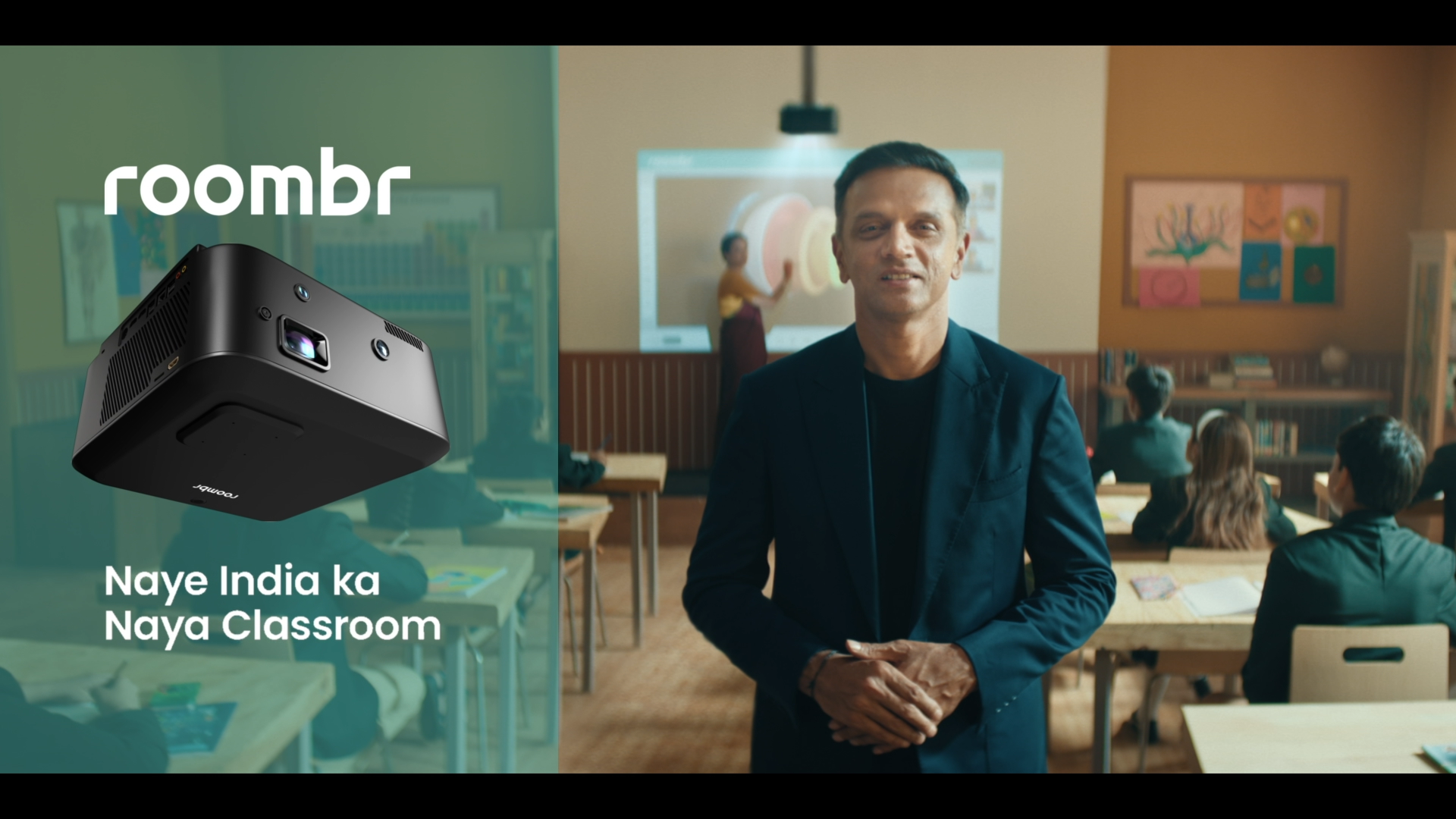
Roombr is not a conventional interactive flat panel.
It uses a projection-based approach to turn a suitable classroom wall into an interactive teaching surface. Roombr combines interactive display functionality with computing, cameras, microphones, speakers, class recording, and other digital classroom functions within an integrated setup.
This changes the buying question.
Instead of asking only:
“Should we put our interactive panel on a stand or mount it on the wall?”
A school can also ask:
“Which classroom architecture best fits the way we teach, the space we have, and the functions we need?”
That broader question is especially important when institutions are planning more than one classroom or comparing different smart classroom equipment options.
Compare the Classroom Architecture, Not Just the Mount
Schools and colleges still assessing room suitability can also use this classroom readiness checklist before finalizing a technology choice.
Questions to Ask Before Requesting a Quote
A useful vendor discussion should go beyond product specifications.
For a broader procurement review, see these questions before buying an interactive display.
Before You Request a Demo, Have These Details Ready
A more useful classroom-technology demo starts with real requirements.
Prepare:
- Approximate classroom dimensions
- Number of classrooms being considered
- Seating arrangement
- Preferred teaching area
- Whether equipment needs to move
- Existing power points
- Current classroom hardware
- Display-size expectations
- Access or space restrictions
- Future rollout plans
Where possible, involve a teacher, IT representative, and facilities or procurement stakeholder. Each may notice different practical requirements.
Is Roombr an Interactive Flat Panel?
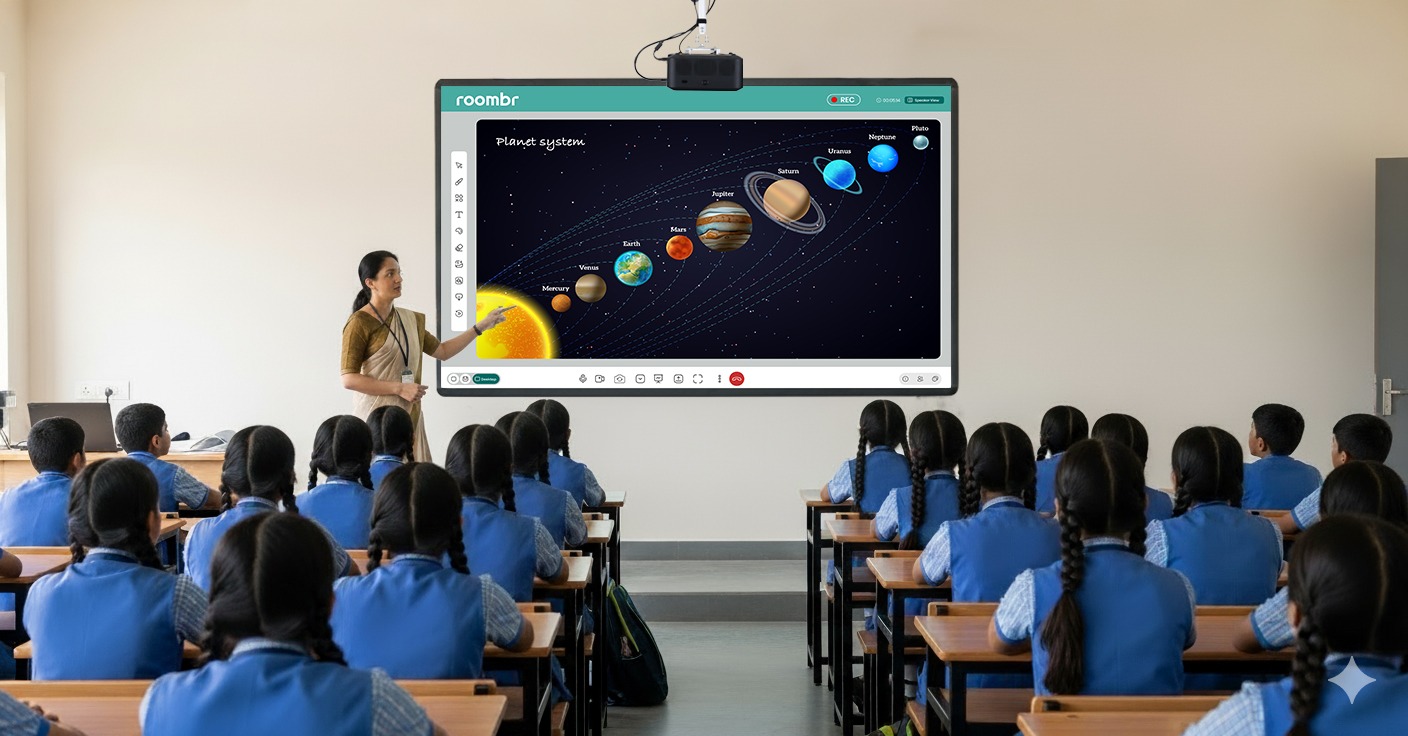
No. Roombr goes beyond the capabilities of a conventional interactive flat panel. Instead of functioning as a fixed-size display, Roombr is an advanced all-in-one digital classroom system that turns a suitable classroom wall into an interactive computing and teaching surface.
It combines interactive display functionality with computing, cameras, microphones, speakers, class recording, and other classroom tools within one user-friendly integrated setup. This makes Roombr a broader classroom-technology solution rather than just another interactive panel.
Evaluate the Setup in Your Own Classroom
A specification sheet cannot show how a classroom system will feel from the back row, how comfortably teachers can use it, or how well it fits your existing room.
If your school or institution is planning an interactive classroom upgrade, use the demo stage to compare the complete setup rather than only the display.
Request a Roombr Digital Classroom demo and discuss your classroom dimensions, teaching requirements, existing infrastructure, and deployment plans with the team.
Where possible, involve the people who will teach, manage, and support the system so the evaluation reflects everyday classroom use.

Foziya Abuwala
Share
Step Into the future of
Education with Roombr