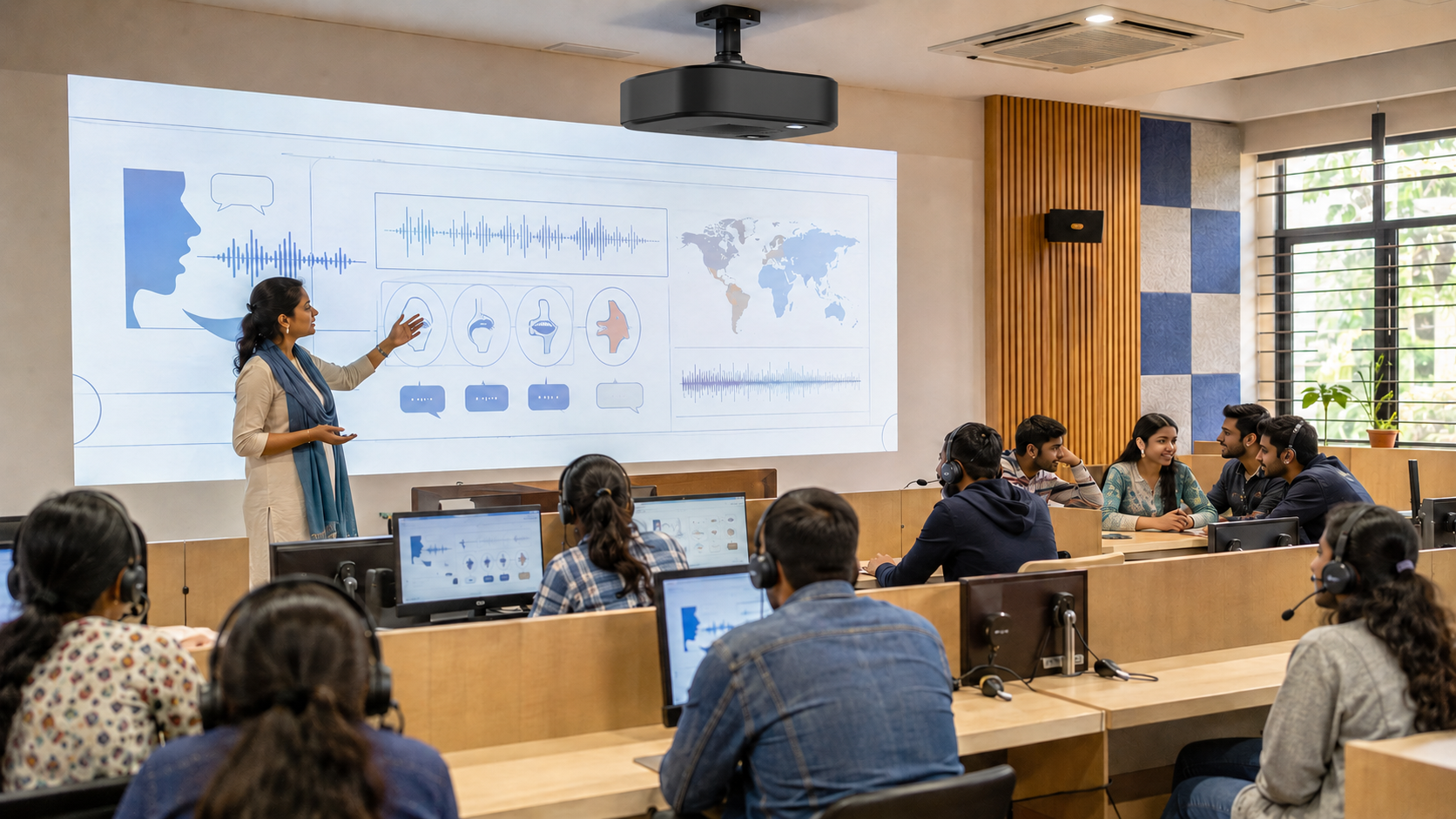
When you walk into most schools in India today, you'll see something caught between two worlds. A blackboard still hangs on one wall. A smart panel sits on the other. Chalk dust and touchscreens, sharing the same room.
This shift has a name: the digital classroom. It's no longer an experiment reserved for a handful of elite private schools and colleges. It's becoming standard practice across India's educational system. The leaders who understand what it actually involves, not just the buzzword, are the ones making smarter infrastructure decisions.
This guide breaks down what a digital classroom really means, what it takes to build one properly, and where schools commonly waste money getting it wrong.
That's the short version. Here's what it looks like in practice.
What Actually Makes a Classroom "Digital"?
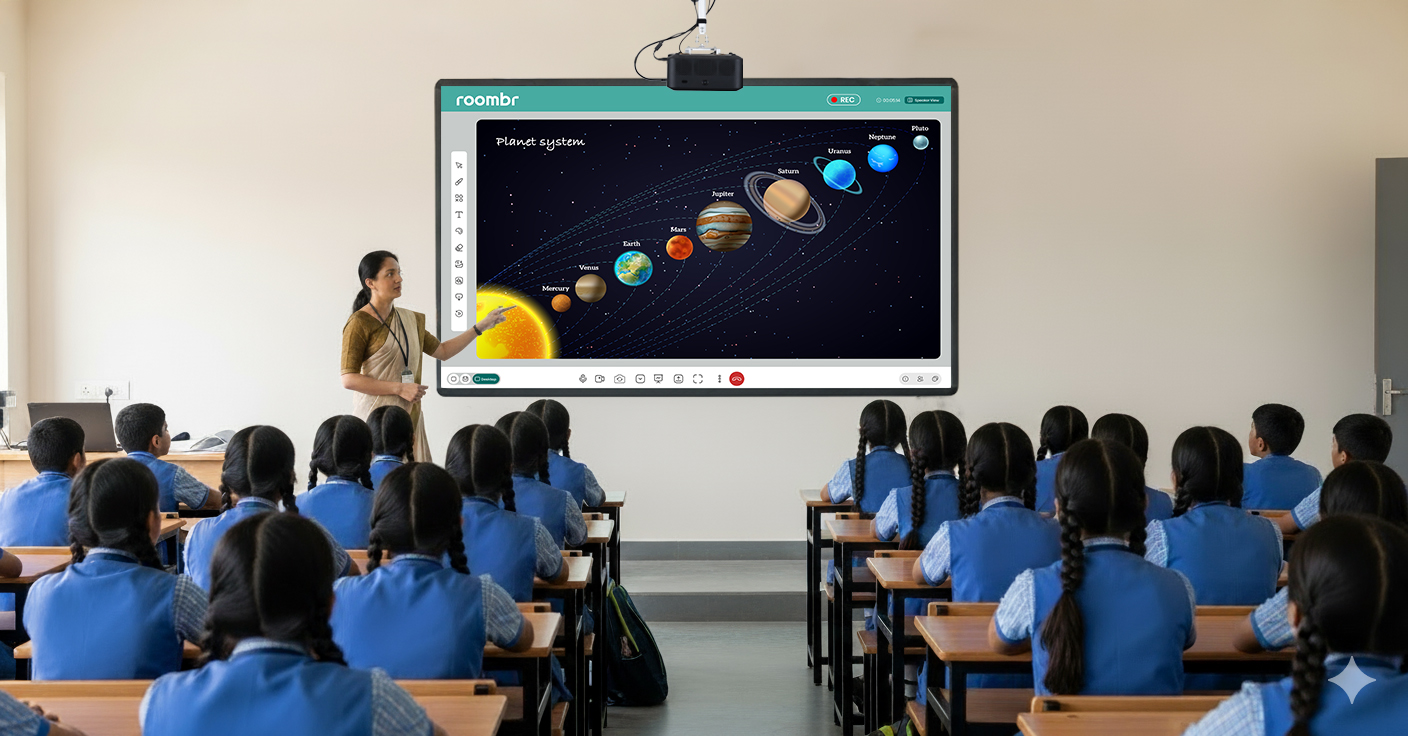
You'll often hear "smart classroom" and "digital classroom" used interchangeably in India, and in day-to-day use, they largely overlap. What matters more than the label is what the room can actually do.
A room with a projector and a laptop isn't automatically a digital classroom. It becomes one when the technology does more than display content. Look for these markers:
- Two-Way Interaction: Students can respond, annotate, or contribute on the same screen, not just watch it.
- Centralized Software: One platform handles lesson delivery, attendance, and assessment, instead of three disconnected tools.
- Cloud Access: Lessons, notes, and recordings are available to students outside class hours, not locked to one device.
- Real-Time Data: Teachers can see who's engaged and who's falling behind during the lesson, not three weeks later at report card time.
If a setup is missing most of these, it's a room with a screen in it — not a digital classroom.
Why Now? The Numbers Behind India's Shift
This isn't a trend chasing headlines. It's a response to scale.
According to the Ministry of Education's UDISE+ report, India's school system enrolls close to 24.8 crore (roughly 248 million) students across more than 14 lakh schools. Managing quality and consistency across a system that large is one of the hardest problems in Indian education. And it's exactly the kind of problem digital tools are built to help with.
But adoption is uneven. The same UDISE+ data shows only around 57% of schools have functional computers, and just over half have reliable internet access. Separate government data has pointed to functional, day-to-day smart classroom usage in government schools sitting far lower than headline adoption numbers suggest — often cited around 12%.
That gap matters. It means the real bottleneck for most schools isn't ambition — it's planning, budget sequencing, and teacher readiness. More on that below.
The Building Blocks of a Digital Classroom
Before you spend a rupee, it helps to know what you're actually buying into. A functioning digital classroom setup typically includes:
- An Interactive Display: The replacement for the blackboard and projector combo, used for writing, annotating, and presenting multimedia.
- A Learning Management System (LMS): The software backbone that handles lesson content, assignments, and progress tracking.
- Reliable Connectivity, with an Offline Fallback: Internet is unpredictable in many parts of India, so locally stored, pre-loaded lessons matter as much as the internet plan.
- Assessment and Analytics Tools: Quizzes, polls, and dashboards that turn classroom activity into something a teacher can act on.
- Trained Teachers: This is the one schools underinvest in most, and it's the one that determines whether the other four get used at all.
How to Set Up a Digital Classroom: A Practical Roadmap
Schools that get this right rarely do it all at once. Here's a sequence that gets results for schools starting out:
1. Audit Connectivity First
Before you look at hardware brochures, check what you have. High-speed internet reaching the classroom is the foundation everything else sits on.
2. Choose an LMS Teachers Will Use
A powerful platform nobody opens is worse than a simple one everyone does. Prioritize ease of use over feature count, especially for staff who are new to digital tools.
3. Train Teachers Before You Install Hardware
This order matters more than most schools expect. Installing an interactive flat panel and hoping teachers figure it out later is how expensive equipment ends up gathering dust.
4. Plan for Low-Connectivity Days
Don't assume the internet will always work. Offline-capable software and locally stored lesson content prevent one bad network day from derailing a whole week.
5. Pilot Before You Scale
Fit out one or two classrooms first. Use that pilot to work out what actually helps teaching before committing a budget to the entire campus.
Common Roadblocks and How Schools Solve Them
NEP 2020 and the Bigger Policy Push
The National Education Policy (NEP 2020) pushed Indian education toward competency-based learning and away from rote memorization — a shift that depends heavily on classroom technology to work at scale.
Government-backed platforms like DIKSHA (Digital Infrastructure for Knowledge Sharing) already deliver digital lessons to millions of students nationwide, reflecting how deeply this policy direction has embedded itself in day-to-day schooling, not just in planning documents.
For school leaders, this isn't just a compliance checkbox. It's a signal of where academic standards and parent expectations are both heading.
What Schools Gain
The case for a digital classroom goes beyond "keeping up with trends." The practical gains show up in daily operations:
- Personalized Pacing: Students who need more time on a concept can revisit recorded material instead of falling behind the whole class.
- Real-time Visibility: Teachers and academic coordinators can spot a struggling section before it shows up in exam results.
- Continuity During Disruptions: Sick students or entire classes during a weather closure can keep learning remotely without losing weeks of progress.
- Less Administrative Load: Automated attendance and instant quiz grading free up hours teachers currently spend on paperwork.
- Better Preparation for What Comes Next: Students who work with digital tools daily adapt faster to the tech-heavy expectations of higher education and modern workplaces.
The Bottom Line
A digital classroom isn't about installing the flashiest hardware in the room. It's about giving teachers real-time visibility into how students are learning, and giving students more flexible ways to engage with material — whether they're sitting at a desk or catching up from home.
Schools that plan the rollout in stages, invest in teacher training early, and build in offline resilience tend to see the technology get used, instead of sitting unused after the first term.
Frequently Asked Questions
1. How would you explain a digital classroom in plain terms?
It's a classroom where connected devices, software, and internet access work to teach, track, and personalize learning instead of relying solely on a blackboard and printed textbooks.
2. Do we need expensive devices to get started?
No. Many schools start with a single interactive display and basic cloud software, then scale to more devices and classrooms gradually over a few academic years.
3. Can a digital classroom work with unreliable internet?
Yes, with the right setup. Offline-capable software and locally stored lesson content let teaching continue during network outages, syncing data once connectivity returns.
4. How long does teacher training usually take?
The time required for teacher training may vary depending on the complexity of technology installed. For example, Roombr offers an all-in-one, teacher-friendly hardware and software solution that requires less than a week’s time to help teachers use it to its full potential.
5. Is data analytics necessary, or just a nice-to-have?
It is a practically useful feature, not a luxury add-on. Real-time performance data lets teachers act on a learning gap while it's still small, instead of finding out at exam time.
Upgrade Your School With Roombr
Roombr provides digital classroom solutions built for Indian schools and colleges — from interactive walltop computers (you may refer to it as an interactive screen) to integrated software that works with your existing infrastructure.
Contact our team to request a custom demo and see how it fits your campus.

Aneesh Kumar
Share
Step Into the future of
Education with Roombr