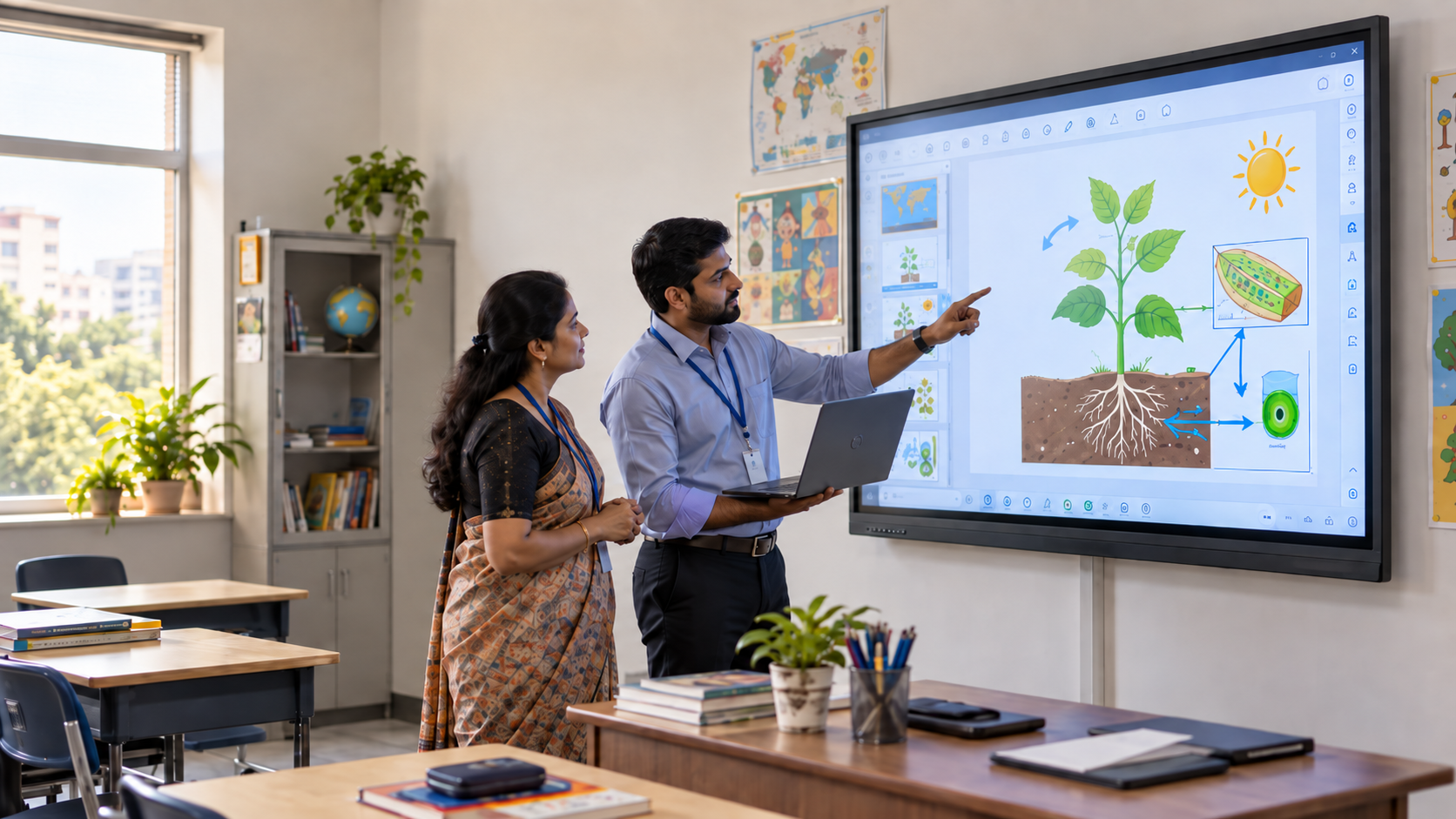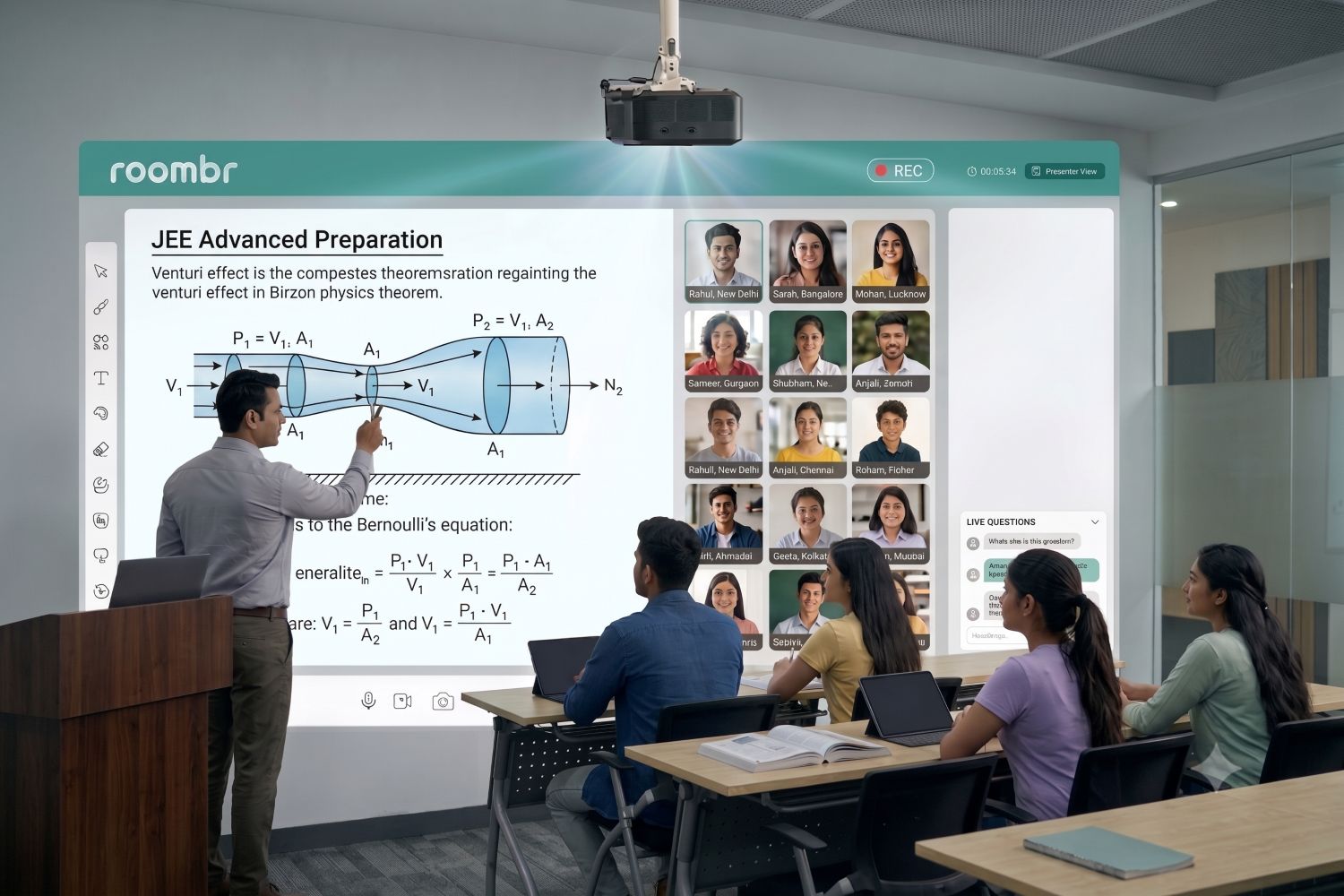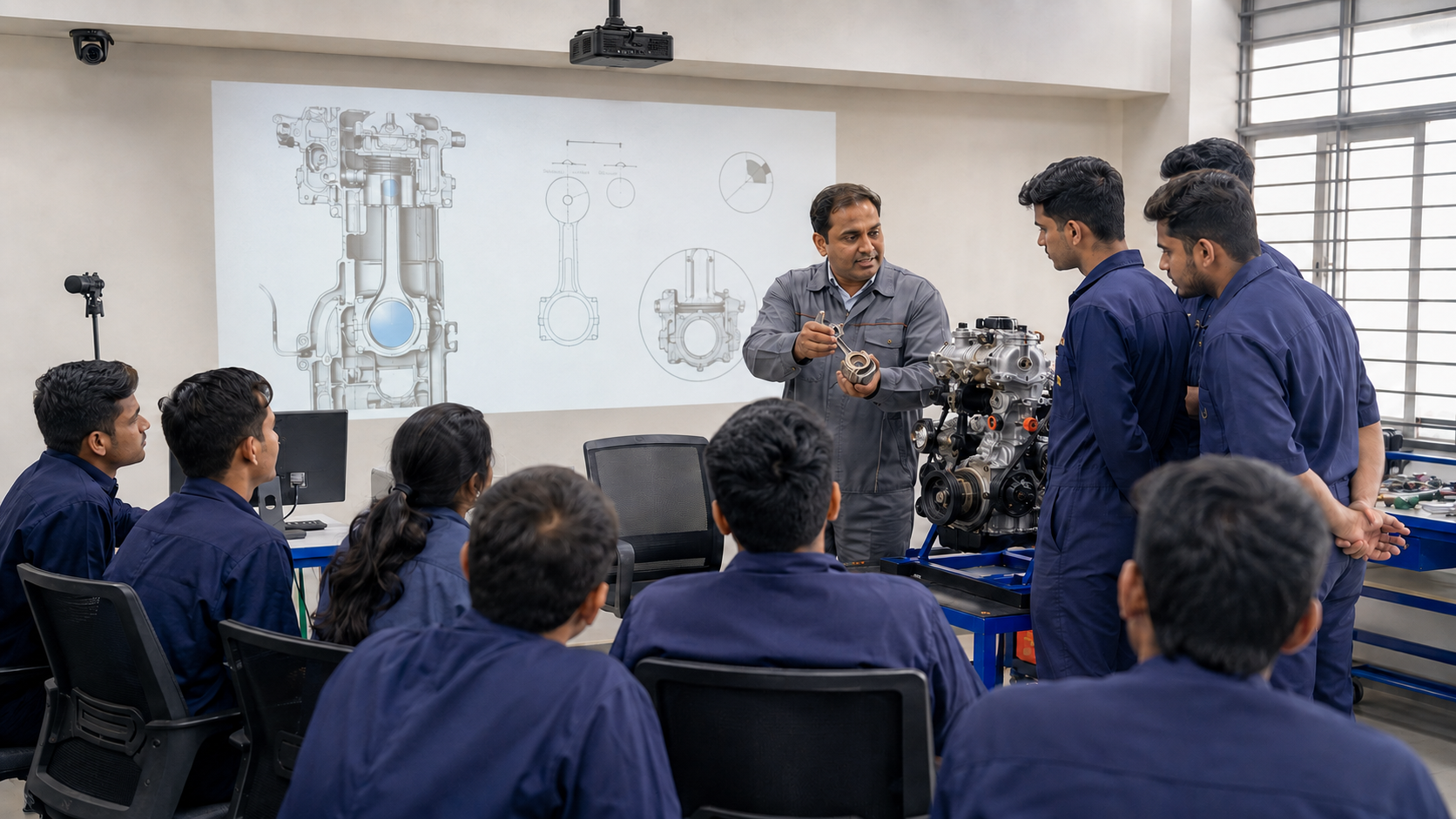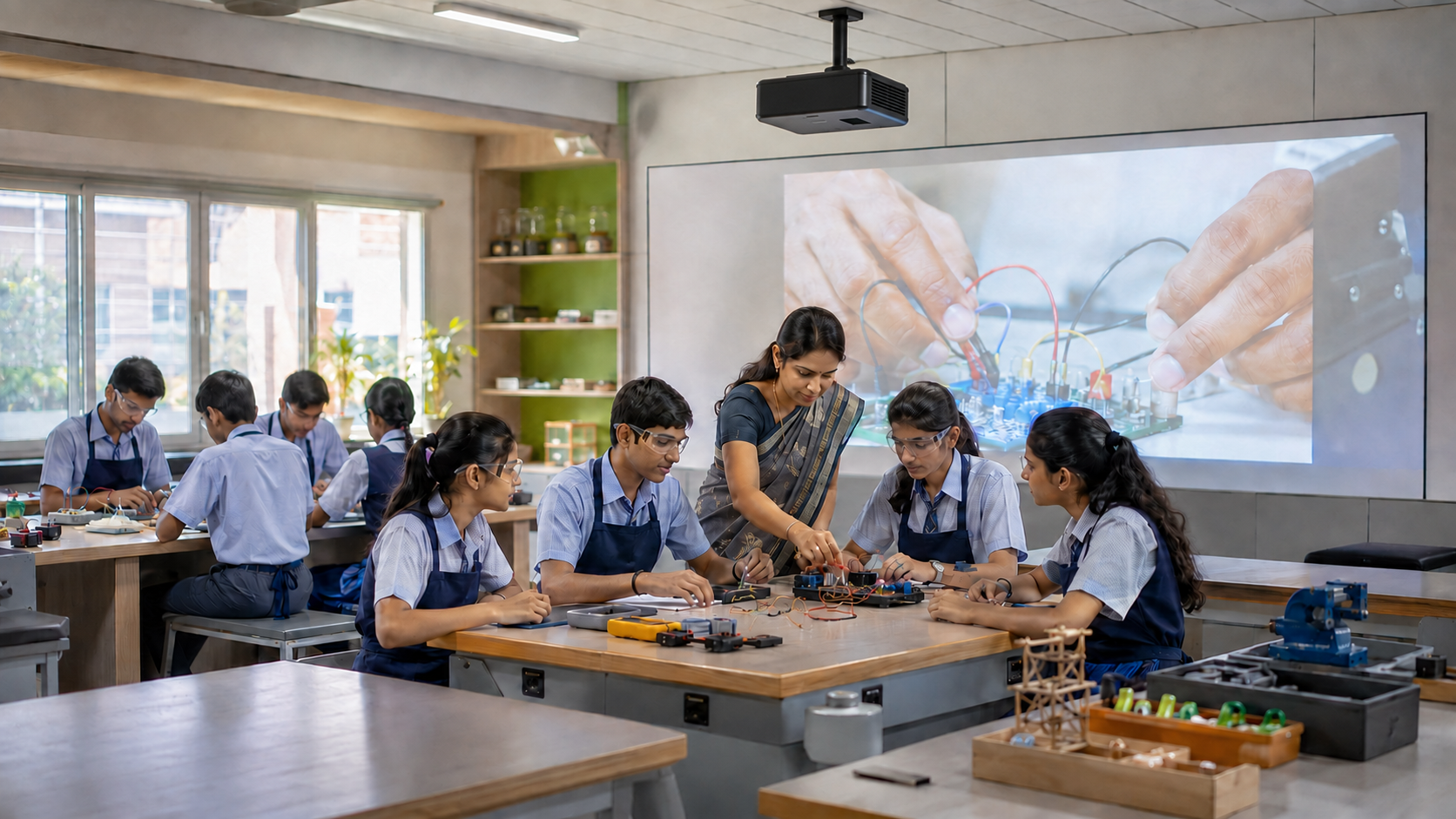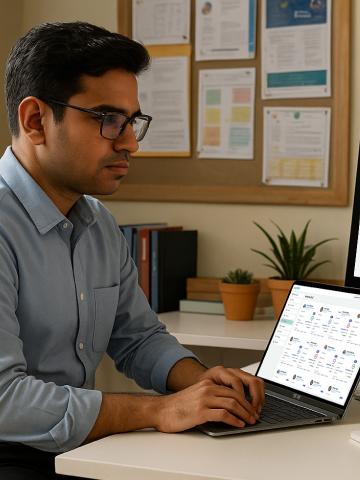


A smart classroom equipment list should not be a random purchase list of screens, cameras, cables, and software. It should answer one practical question: Will this setup help teachers teach better every day?
For K-12 schools, colleges, and universities, that question matters even more. Classrooms differ in size, lighting, internet reliability, teaching styles, and daily operational challenges. A setup that feels impressive during a product demo may not always hold up during a full week of regular classes.
This is where many institutions struggle. They invest in individual devices without thinking about how teaching actually flows inside the classroom. A display, a camera, a PC, a microphone, and multiple software tools may look complete on paper, but in practice, they can create a fragmented experience that is difficult for teachers and IT teams to manage consistently.
That is why modern smart classroom solutions are moving beyond standalone hardware. The focus today is on building a setup where equipment works together seamlessly to support teaching, collaboration, recording, and hybrid learning with minimal friction.
India’s digital education push also supports this shift. The Ministry of Education’s ICT@Samagra Shiksha component supports ICT labs and smart classrooms for government and aided schools from Classes VI to XII. Its framework lists devices such as digital boards, projectors, webcams, routers, UPS, LMS/CMS tools, and internet connectivity as part of the ICT infrastructure.
So, let’s break down what institutions should buy, what they can skip, and what they should integrate.
Smart Classroom Equipment List at a Glance
A useful digital classroom equipment list starts with teaching needs, not product categories. The table below gives a simple view.
This is the foundation. But the right smart classroom equipment list changes based on who will use the room.
A Grade 5 teacher may need simple controls and strong visual engagement. However, a college professor may need lecture recording, hybrid delivery, and student access after class.
Why a Smart Classroom Is More Than a Digital Board
Many institutions begin with one question: “Which digital board for classroom teaching should we buy?”
That is a fair starting point, but it is not enough.
A smart classroom is a connected teaching environment. The board, audio, camera, software, and network must support one teaching flow. If the screen works but the mic fails, the class suffers. If the camera records but the audio is unclear, students will not use the recording. If the software is complex, teachers return to chalk and marker.
A true digital classroom helps teachers:
- Start class quickly
- Explain ideas visually
- Write and annotate naturally
- Share files and lessons
- Record important sessions
- Support absent students
- Conduct hybrid or remote classes
- Track learning progress
This is why modern smart classroom solutions focus on integration. The aim is to reduce effort, not add more gadgets.
Must-Have Smart Classroom Equipment List for K-12 Schools
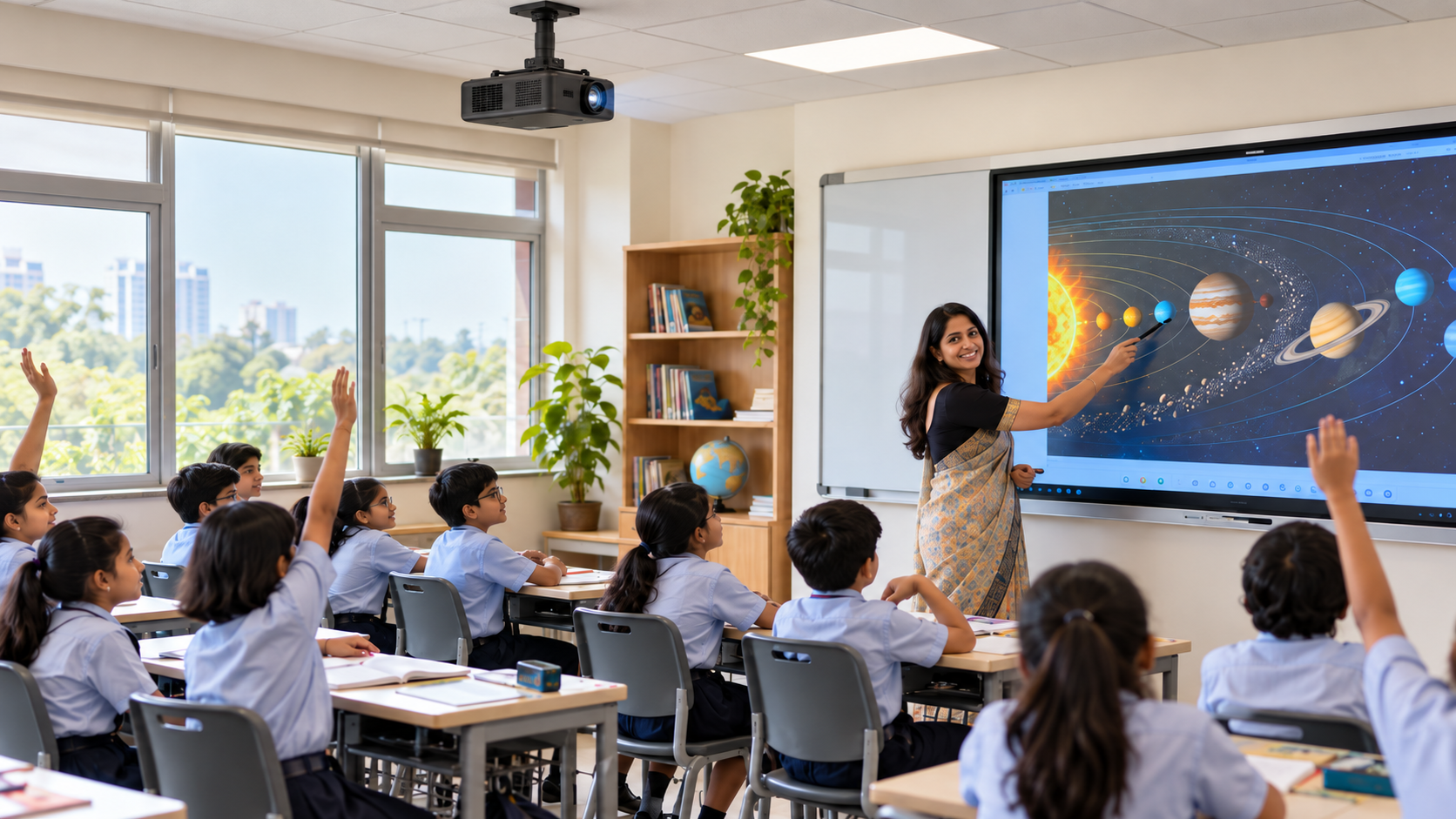
A K-12 smart classroom equipment list should be built around daily classroom use. Teachers need speed, simplicity, and reliability.
1. Large Interactive Teaching Surface
The display is the most visible part of the classroom. It may be an interactive flat panel, projector-based system, or all-in-one interactive solution.
For all institutions, the key checks are:
- Can the last bench see clearly?
- Is the writing surface large enough?
- Does it work in normal classroom light?
- Can younger students interact safely?
- Can teachers write without lag?
A basic screen may show content. But an interactive surface allows teachers to explain, highlight, draw, and involve students.
2. Built-In or Connected Computing Unit
Every digital classroom needs a computing engine. It may be a built-in PC, OPS, mini-PC, laptop, or integrated classroom device.
This unit should handle:
- Videos and presentations
- Web-based content
- Whiteboard software
- Recorded lessons
- Assessments
- Video calls
- File storage
For schools, the system should start fast. If the teacher loses five minutes connecting devices, adoption drops.
3. Digital Whiteboard and Annotation Tools
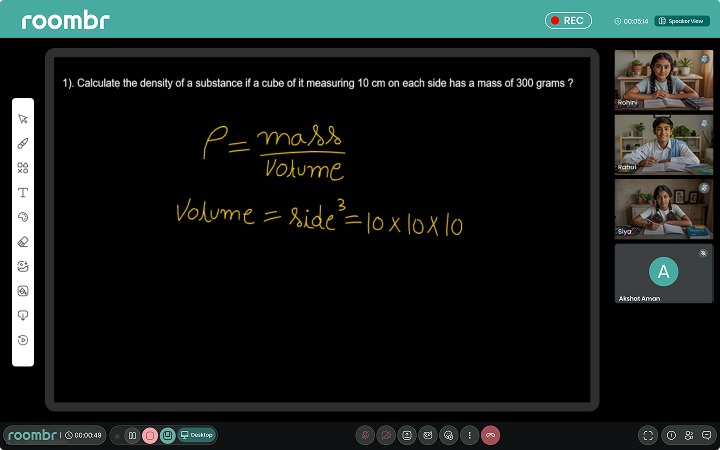
A digital whiteboard lets teachers write, draw, erase, save, and reuse lessons.
This is especially useful for:
- Maths problem solving
- Science diagrams
- Grammar correction
- Map marking
- Group activities
- Quick quizzes
A good smart classroom equipment list should include software, not just hardware. The writing tool must feel natural enough for teachers to use without training every day.
4. Classroom Audio System
Audio is often ignored, but it affects learning directly.
In many Indian classrooms, fans, traffic, corridors, and large student strength reduce clarity. A speaker and microphone setup helps students hear without forcing teachers to raise their voice.
Institutions must look for:
- Clear speech output
- No echo or distortion
- Easy volume control
- Teacher-friendly microphone
- Built-in or neatly installed speakers
If the room is small, built-in audio may be enough. For larger rooms, external speakers may help.
5. Basic Camera or Recording Support
Not every school classroom needs a high-end camera. But recording support is becoming useful.
It helps with:
- Revision
- Absent students
- Teacher review
- Parent communication
- Remedial learning
- Hybrid activities
A simple classroom camera can be enough for many K-12 rooms. The goal is clear teaching capture.
6. Power, Internet, and Safety Setup
No smart classroom equipment list is complete without infrastructure.
Before buying, schools should check:
- Number of power points
- Earthing and surge protection
- UPS requirement
- Router placement
- Internet speed
- Cable safety
- Wall strength
- Device security
This step prevents the most common failure: good equipment installed in an unready room.
Must-Have Smart Classroom Equipment List for Higher Education
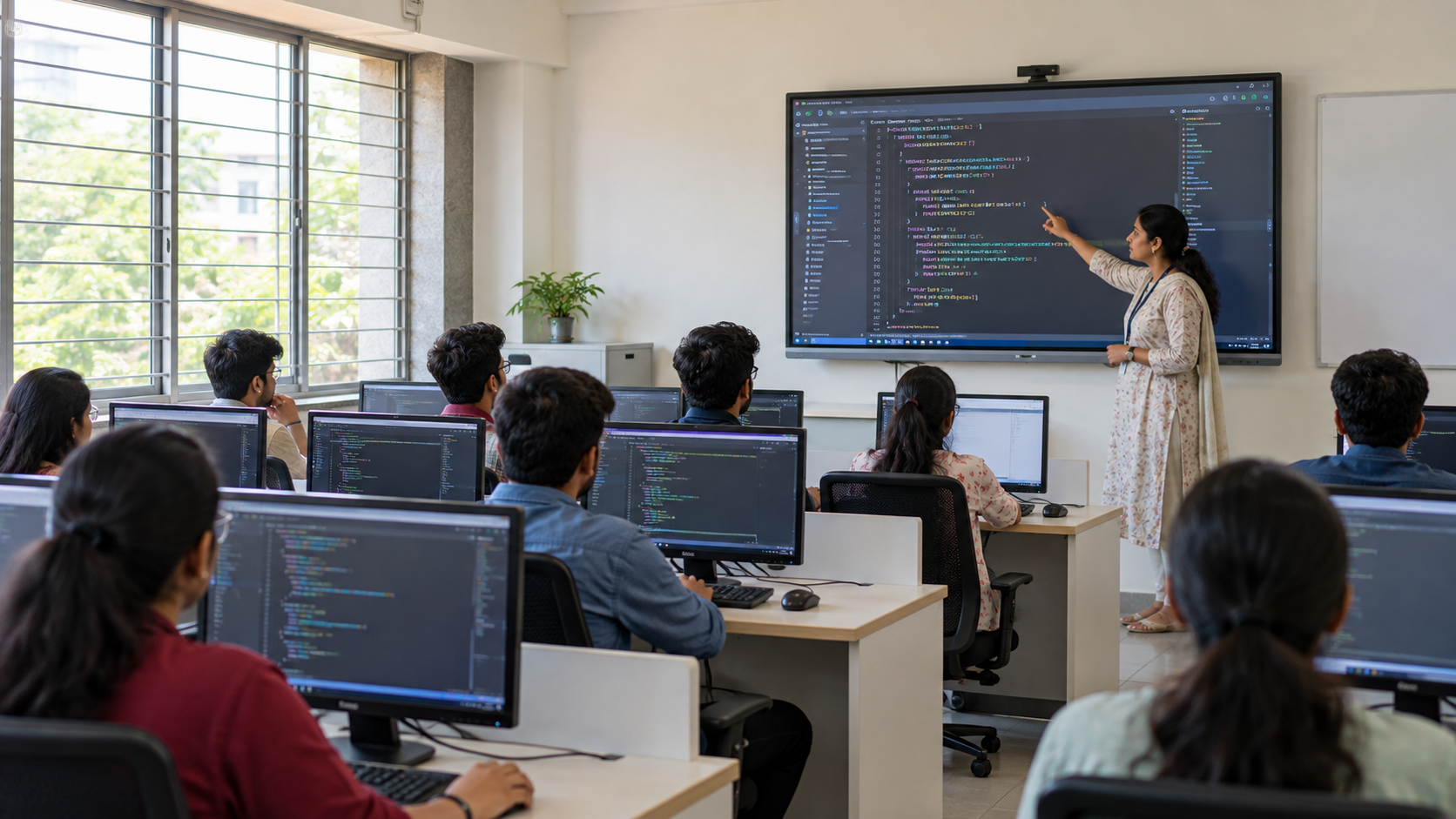
A college or university digital classroom equipment list needs a stronger focus on recording, hybrid access, and academic workflows.
Higher education classrooms often include bigger rooms, longer lectures, guest sessions, seminars, and more complex subjects.
1. Large Display or Projection System
For higher education, display size matters. A small board may work in a school classroom, but not in a lecture hall.
Colleges should check:
- Screen visibility from the last row
- Support for diagrams, coding, formulas, and slides
- Brightness in large rooms
- Compatibility with laptops
- Multi-source input options
A larger interactive surface helps faculty teach complex topics with clarity.
2. Lecture Capture System
A lecture capture system is one of the most important needs for higher education.
It records:
- Teacher video
- Board or screen content
- Audio
- Presentations
- Annotations
This helps students revisit lectures before exams. It also supports flipped learning, remedial learning, and faculty content libraries.
For professional courses, recorded lectures are valuable assets. A 60-minute lecture can become a reusable learning resource.
3. Strong Microphone and Speaker System
In a college classroom, poor audio can ruin both live and recorded sessions.
A higher education setup may need:
- Teacher lapel mic
- Handheld mic for discussion
- Ceiling or wall speakers
- Noise reduction
- Mic pickup for hybrid classes
This is even more important in a hybrid classroom, where remote students depend fully on audio quality.
4. Hybrid Classroom Tools
A hybrid classroom allows in-person and remote learners to attend together.
For this, colleges need:
- Camera
- Microphone
- Speakers
- Video conferencing support
- Screen sharing
- Annotation tools
- Stable internet
- Recording option
The setup should not force faculty to manage five apps during class. The smoother the flow, the better the adoption.
5. LMS, Assessments, and Analytics
Higher education institutions also need learning workflows.
A strong digital classroom setup should support:
- Assignment sharing
- Recorded lecture access
- Student performance tracking
- Quizzes and tests
- Course material storage
- Attendance or participation records
- Integration with LMS or ERP systems
This is where intelligent classroom solutions become more than display technology. They support the full teaching cycle.
Smart Classroom Equipment List: What You Can Skip
A practical smart classroom equipment list should also say what not to buy.
Many institutions overspend on devices that look attractive but do not improve daily teaching.
Skip 1: Over-Complex Digital Podiums in Small Rooms
Digital podiums work well in seminar halls and lecture rooms. But in a standard K-12 classroom, they can restrict teacher movement.
If the teacher needs to move, interact, and manage young students, a podium may not be needed.
Skip 2: High-End PTZ Cameras in Every Room
PTZ cameras are useful for large lecture halls and premium hybrid rooms. But smaller classrooms may only need a fixed wide-angle camera.
Use PTZ cameras where they solve a real problem.
Skip 3: Separate PCs When Computing Is Already Integrated
If your system includes built-in computing, an extra PC may add cost and maintenance.
Before adding a separate computer, ask:
- Is the current performance enough?
- Does the teacher need Windows apps?
- Is storage sufficient?
- Will it complicate support?
Skip 4: Too Many Remote Controls and Control Panels
Every extra control adds to a teacher’s burden.
A classroom with separate remotes for display, speakers, camera, projector, and PC may look advanced, but feel tiring. Choose systems with simple control.
Skip 5: Devices Without Training or Support
Even the best smart classroom equipment fails if teachers do not use it.
Do not buy from vendors who only install and leave. Training, warranty, and support should be part of the plan.
Modular Setup vs Integrated Smart Classroom Solutions
A modular setup means buying each component separately. An integrated solution brings key tools into one system.
A modular setup means buying each component separately. An integrated solution brings key tools into one system.Here is a simple calculation. A 20-classroom rollout with six separate devices per room creates 120 hardware points to track. That includes boards, PCs, cameras, mics, speakers, and control units.
If each device has a different warranty or vendor, the admin load grows fast.
This is why integrated smart classroom solutions are becoming more practical for Indian institutions.
How Roombr Simplifies the Smart Classroom Equipment List
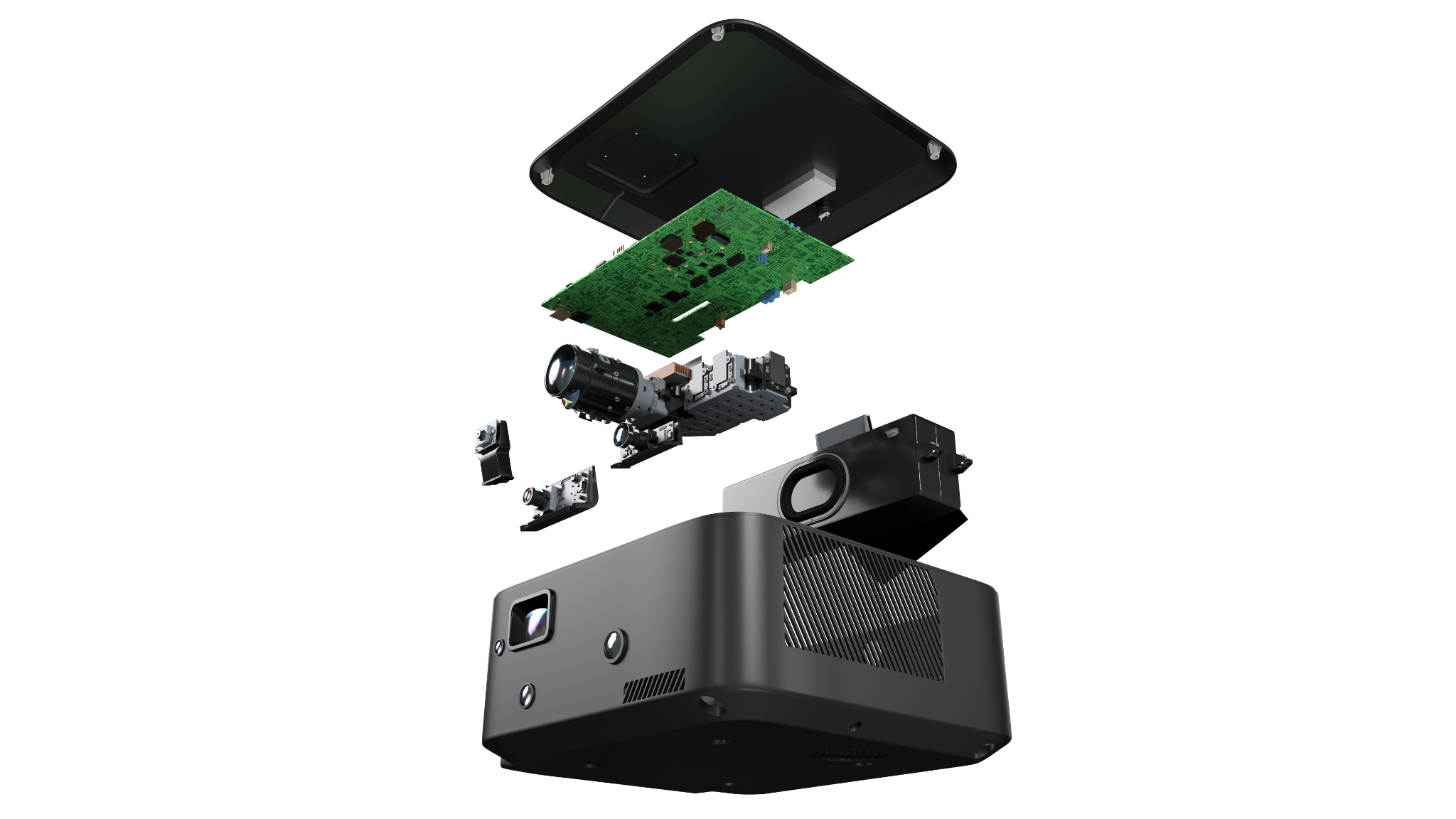
Roombr is designed for schools and colleges that want fewer devices and smoother teaching.
Instead of building a classroom through separate projectors, boards, cameras, speakers, mics, and PCs, Roombr brings core tools into one integrated system.
Roombr supports:
- Interactive teaching on a large surface
- Up to 200-inch display experience
- Built-in computing
- Dual camera support
- Classroom audio
- Microphone system
- Digital whiteboard and annotation
- Online, offline, and hybrid teaching
- Lesson recording and sharing
- AI-enabled lesson tools
- Assessments and learning insights
This makes the smart classroom equipment list shorter and easier to manage.
For K-12 schools, that means teachers can focus on teaching instead of setup. For colleges, it means lectures can be recorded, shared, and reused with less technical effort.
Roombr also supports specific needs such as large classrooms, teacher-friendly use, and reduced multi-device dependency.
Key Insights
The best smart classroom equipment list is not the longest one. It is the one that matches real teaching needs.
K-12 schools need simple, reliable, engaging classrooms. Colleges and universities need lecture capture, hybrid teaching, and stronger academic workflows. Both need clear audio, visible displays, stable connectivity, teacher training, and long-term support.
If your institution is planning a new digital classroom or upgrading an existing smart classroom, think beyond individual devices. Look at how the full system works together.
Frequently Asked Questions (FAQs)
1. What equipment is needed for a smart classroom?
A complete setup usually includes a display, computing unit, digital whiteboard, audio system, microphone, camera or recording system, internet, power backup, and training.
2. What is the difference between smart classroom equipment for schools and colleges?
Schools need simplicity and reliability. Colleges need stronger recording, hybrid teaching, and content-sharing workflows.
3. Is a smart board enough for a smart classroom?
No. A smart board is useful, but it is only one piece of the larger smart classroom setup.
4. Do smart classrooms need cameras?
Not always in every room, but cameras are important for hybrid learning, revision, and recording.
5. What equipment can schools skip in a smart classroom setup?
Schools can usually skip unnecessary podiums, oversized cameras, duplicate PCs, and complicated controls.
6. What is the best smart classroom setup for Indian schools?
The best smart classroom setup for schools is simple, durable, and teacher-friendly, with strong audio, visibility, and low maintenance.
Build Smarter Classrooms with Roombr
Roombr brings the complete smart classroom experience into one powerful, all-in-one device built for Indian schools and colleges. Proudly developed under the Make in India initiative, Roombr combines an interactive display of up to 200 inches, built-in computing, dual cameras, classroom audio, microphones, digital whiteboarding, and AI-powered lesson recording with chapterization. It also carries strong trust signals such as BIS and ISO-backed quality, making it a reliable choice for institutions that want performance, safety, and long-term value.
Instead of managing separate boards, projectors, PCs, cameras, speakers, and recording tools, Roombr helps you simplify the entire classroom setup.
If you are planning to upgrade your digital classroom infrastructure, book a free Roombr demo and see how one integrated solution can transform teaching, recording, and learning.

Foziya Abuwala
Share
Step Into the future of
Education with Roombr